
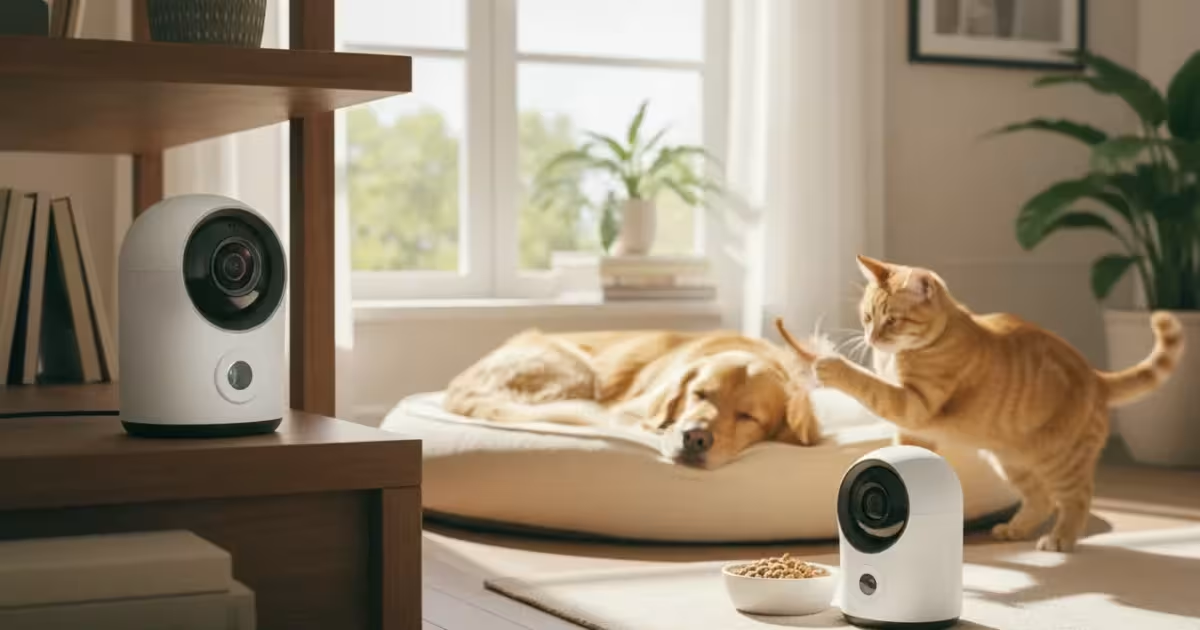
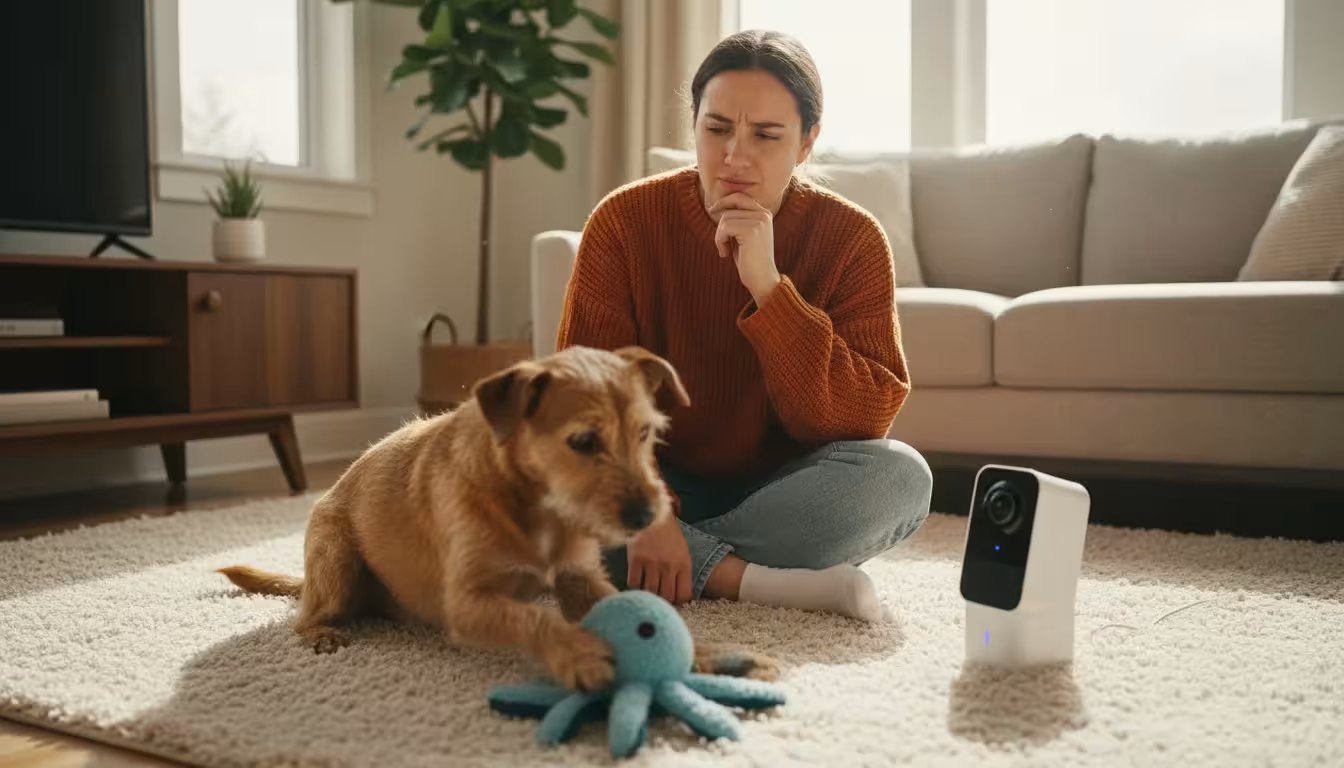
Leaving your beloved pet home alone can bring on a mix of emotions, from quiet longing to outright worry. You want to know they are safe, comfortable, and perhaps even what mischief they are getting into. Pet cameras offer a window into your pet’s world when you are away, providing peace of mind and even opportunities for interaction. But with so many pet products on the market, choosing the right one can feel overwhelming. You need practical insights to find a pet camera that truly works best for your specific needs, your home, and your furry, feathered, or scaled companion.
Why a Pet Camera is Essential
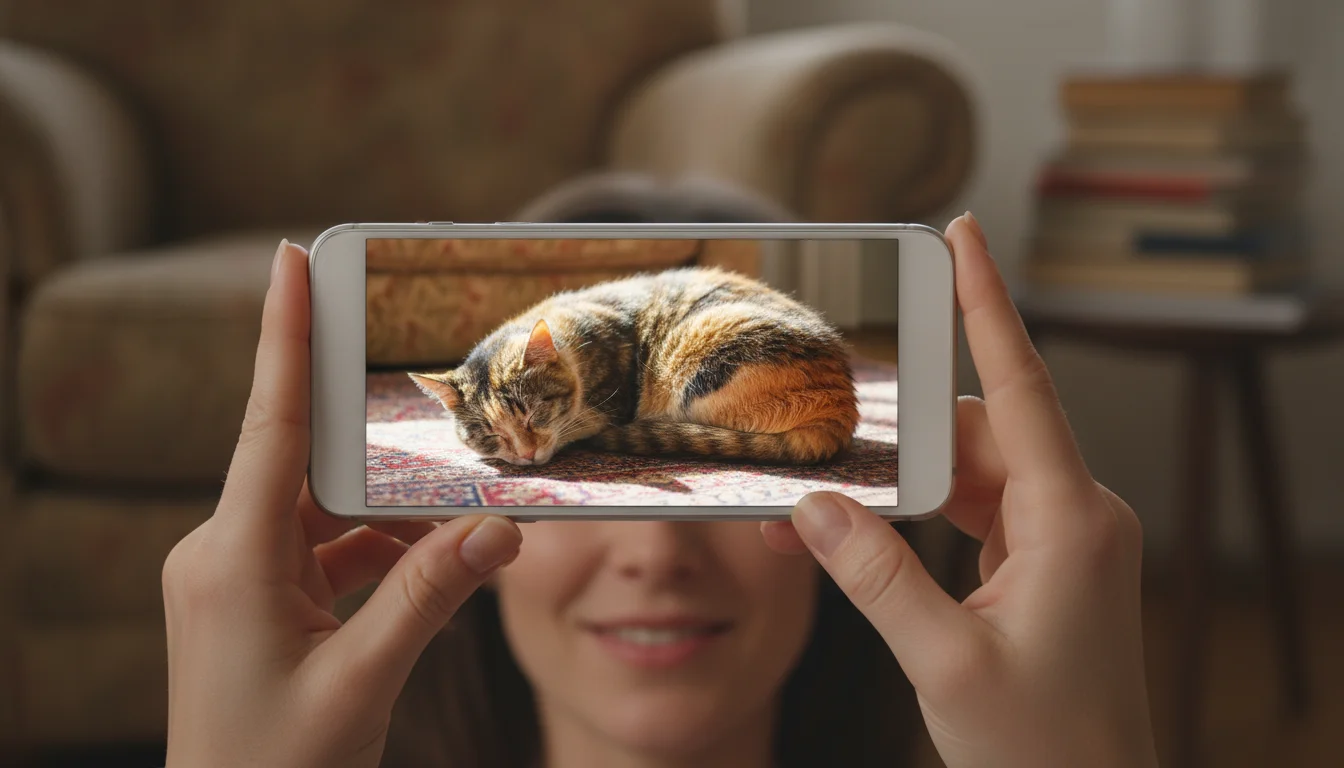
A pet camera is more than just a gadget, it is a crucial tool in modern pet care, enhancing both your pet’s well-being and your own peace of mind. It allows you to monitor your pet’s behavior, catch potential issues early, and even interact with them from afar. Imagine confirming your new puppy is not chewing the furniture, or checking in on an older cat who needs medication. For many pet owners, a pet camera becomes an indispensable part of their daily routine, a truly helpful piece of pet products. According to The Humane Society of the United States, enrichment and monitoring are vital for keeping pets happy and healthy, and pet cameras support this goal by providing valuable insights into their unsupervised time.
Monitoring your pet’s activity can reveal patterns you might otherwise miss. For instance, you might observe signs of separation anxiety, such as excessive pacing or barking, which you can then address with a certified professional dog trainer. Or perhaps you will simply enjoy watching your cat nap in a sunbeam, confirming their comfort. These devices help you feel connected, reducing worry about your pet’s safety and happiness while you are away.
Key Features That Make a Pet Camera Truly Effective
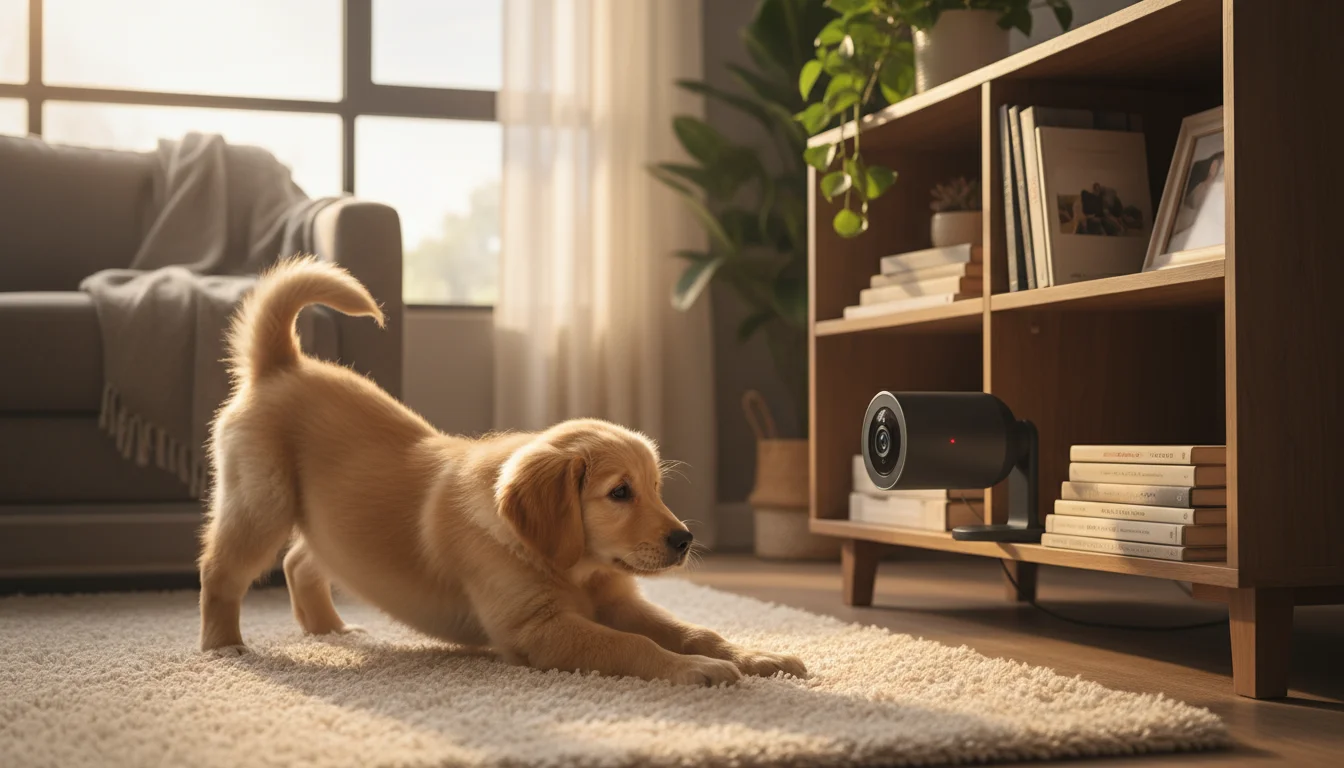
When you seek the best pet products tips, understanding the features that truly matter in a pet camera is paramount. Not all cameras are created equal, and what works best for one household might not be ideal for another. Focus on these core functionalities to ensure your investment delivers practical, actionable insights:
- Video Quality and Field of View: High-definition video (1080p or higher) provides clear images, allowing you to discern subtle behaviors. A wide-angle lens, often 130-160 degrees, minimizes blind spots in a room. Look for cameras with pan and tilt capabilities if you need to cover a larger, dynamic area.
- Night Vision: Your pets do not stop moving when the lights go out. Infrared night vision is essential for monitoring them in low-light conditions or after dark. Ensure the night vision range is adequate for the size of your space.
- Two-Way Audio: This feature allows you to hear your pet and speak to them. You can comfort an anxious dog with your voice or gently redirect a curious cat. Clear audio transmission and reception are critical for effective communication.
- Motion and Sound Detection: Intelligent sensors alert you to significant activity, such as barking, meowing, or movement. Advanced cameras offer customizable sensitivity, minimizing false alarms from swaying curtains while still catching your pet’s antics. Some even differentiate between human and pet movement.
- App Functionality and Ease of Use: The companion app should be intuitive, stable, and offer easy access to live feeds, recordings, and settings. Look for features like event history, cloud storage options, and multi-user access if multiple family members need to check in.
- Connectivity and Reliability: A stable Wi-Fi connection is non-negotiable. Ensure the camera supports your home’s Wi-Fi standards (2.4GHz is common, some support 5GHz). Reliable performance means fewer dropped connections and consistent monitoring.
- Treat Dispensing: For interactive pet care, some cameras offer remote treat dispensing. This can be a fun way to reward good behavior or distract your pet. Evaluate the treat capacity, ease of refilling, and compatibility with your pet’s favorite treats.
Prioritize features that align directly with your primary goals for the camera. Do you need to soothe an anxious dog, or simply observe an independent cat? Your answer guides your feature selection for the best pet products.
Comparing Pet Camera Types: Finding Your Perfect Match
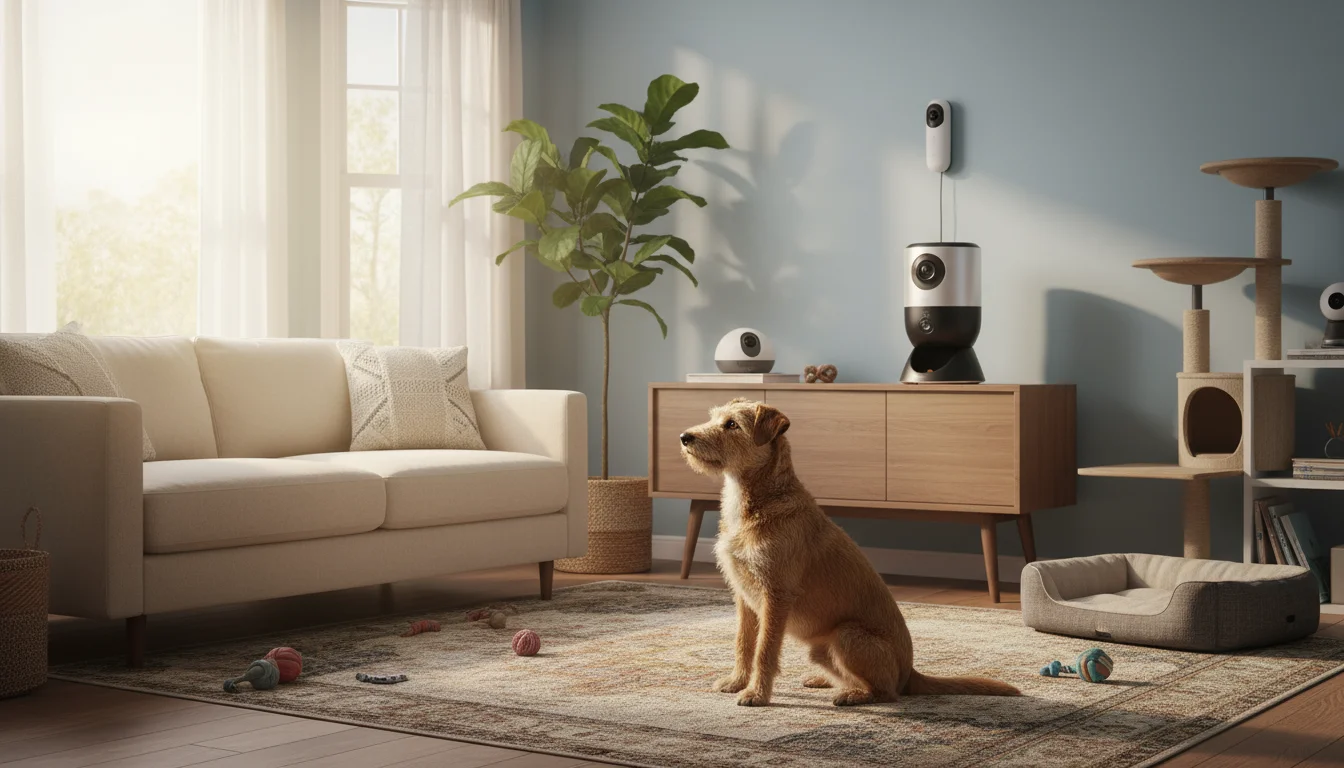
Pet cameras fall into several categories, each designed with specific needs in mind. Understanding these types helps you pinpoint which one actually works best for your situation, delivering tailored pet care solutions.
Basic Monitoring Cameras
These cameras typically offer solid video quality, two-way audio, and reliable motion detection. They are excellent for general surveillance, letting you peek in on your pet, confirm they are okay, and occasionally speak to them. They usually mount easily or stand on a flat surface. These are a great entry point if your primary need is simply to see and hear your pet without advanced features. They often represent excellent value-for-money, providing core functionality without a premium price tag.
Interactive Cameras with Treat Dispensing
If you want to engage with your pet, especially dogs, treat-dispensing cameras are popular. These models include all the basic monitoring features plus the ability to remotely toss treats. This can be fantastic for positive reinforcement, distracting a bored pet, or making your presence felt more tangibly. Some even have laser pointers or games to stimulate your pet mentally. When considering these, evaluate the treat capacity, the type of treats they dispense, and the mechanism’s reliability. Research by Cornell University College of Veterinary Medicine emphasizes the importance of mental stimulation for pet well-being, which interactive cameras can support.
Full-Feature Security & Pet Monitoring Cameras
These are often robust home security cameras with enhanced pet-specific features. They might offer 24/7 recording, local and cloud storage options, advanced analytics, like pet versus human detection, and integrations with smart home systems. While pricier, they offer comprehensive coverage and security benefits beyond just pet monitoring, making them a dual-purpose investment for your home and pet care.
Here is a comparison table to help you visualize the differences:
| Feature | Basic Monitoring | Interactive (Treat/Play) | Full-Feature Security & Pet |
|---|---|---|---|
| Video Quality | Good (720p-1080p) | Excellent (1080p+) | Superior (1080p+, 2K/4K) |
| Two-Way Audio | Yes | Yes, often enhanced | Yes, often enhanced |
| Night Vision | Yes | Yes | Yes, often improved range |
| Motion/Sound Alerts | Yes | Yes, often customizable | Yes, advanced (AI detection) |
| Treat Dispensing | No | Yes | Rarely a primary feature, some add-ons |
| Remote Play/Laser | No | Often Yes | No |
| Local/Cloud Storage | Basic cloud, sometimes SD card | Cloud options, sometimes SD card | Extensive cloud, local NVR/SD options |
| Smart Home Integration | Limited | Some | Extensive |
| Price Range | $30 – $80 | $100 – $250 | $150 – $400+ |
Setting Up Your Pet Camera for Success
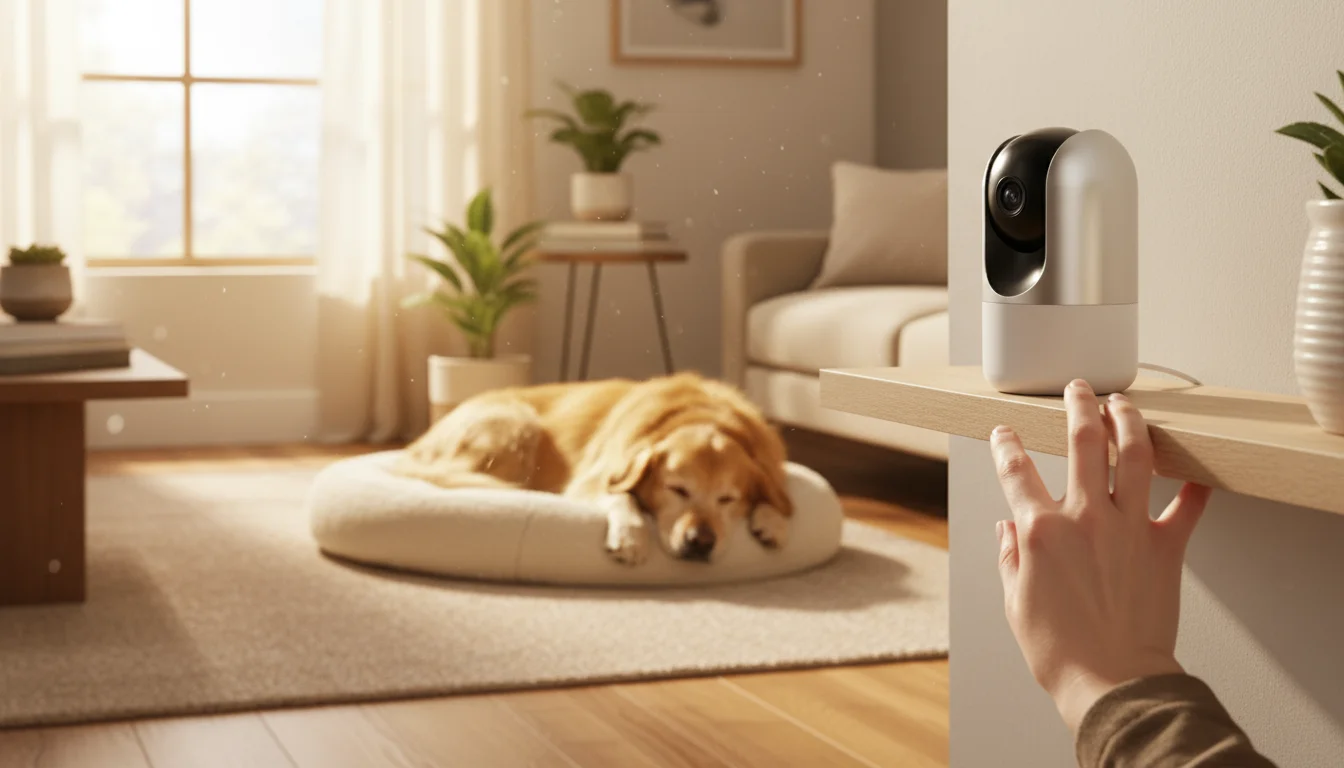
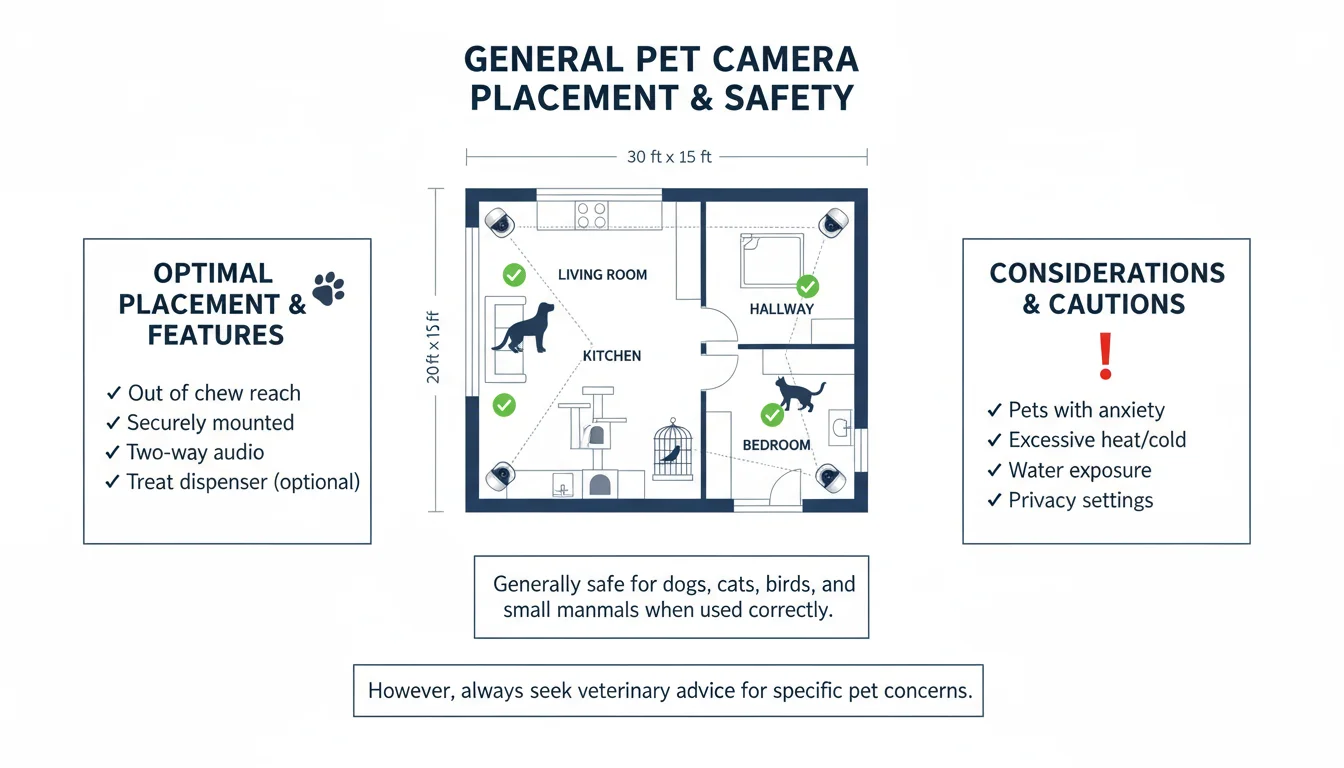
Optimal placement and configuration are crucial to maximize the benefits of your pet camera. You want to ensure clear visibility and strong connectivity, turning your camera into a truly effective pet care tool.
Step-by-Step Setup Guidance:
- Choose the Right Location: Place the camera in the room where your pet spends most of their time. For dogs, this might be the living room or their crate area. For cats, consider their favorite napping spots or play zones. Ensure it has a clear line of sight to these areas, free from obstructions.
- Ensure Adequate Lighting: While night vision helps, good ambient light during the day provides the best video quality. Avoid placing the camera directly opposite a window where glare can obscure the view.
- Secure Mounting: Most cameras are either free-standing or wall-mountable. If free-standing, place it on a stable surface out of your pet’s reach to prevent accidental knocking. Wall mounting often provides a better vantage point and added security.
- Wi-Fi Connectivity: Your camera needs a strong, stable Wi-Fi signal. Position it relatively close to your Wi-Fi router, or consider a Wi-Fi extender if signal strength is an issue in the desired location. Unreliable Wi-Fi leads to frustrating connection drops and missed moments.
- Power Source: Ensure the camera is plugged into a reliable power outlet. Secure any dangling cords to prevent your pet from chewing them, which poses a safety hazard. Cable management is an essential aspect of pet-proofing your home, a critical pet care tip.
- Download and Configure the App: Install the camera’s companion app on your smartphone or tablet. Follow the in-app instructions for pairing your device, adjusting settings, and customizing alerts. Take time to explore all the app’s features, including motion detection zones and audio sensitivity.
A properly installed camera provides continuous, reliable monitoring, empowering you with constant insight into your pet’s well-being.
Ensuring Your Pet’s Comfort and Safety with Technology
While pet cameras offer incredible convenience, you must use them in a way that prioritizes your pet’s welfare. The goal is to enhance their lives, not create stress or anxiety. Remember, your camera is a tool for better pet care, not a replacement for your presence or for professional guidance when needed.
- Introduce Gradually: Do not just set up a camera and immediately start talking through it or dispensing treats. Allow your pet to get used to its presence. Some pets might be curious, others indifferent. Sudden noises or movements from the camera could startle sensitive pets.
- Use Two-Way Audio Thoughtfully: While it is tempting to talk to your pet constantly, overuse can sometimes be confusing or frustrating for them. They hear your voice but cannot see or interact with you fully, which could increase separation anxiety in some dogs. Use it sparingly for reassurance or gentle redirection.
- Treat Dispensing for Positive Reinforcement: If your camera dispenses treats, use this feature strategically for positive reinforcement. For instance, if you see your dog calmly resting, dispense a treat. This creates a positive association with the camera and being alone. Avoid using treats as a bribe to stop unwanted behaviors without addressing the underlying cause.
- Monitor for Stress Signals: Use the camera to observe your pet for signs of stress or discomfort. Excessive pacing, whining, destructive chewing, or inappropriate elimination could indicate underlying issues like separation anxiety, boredom, or medical problems. If you notice persistent concerning behaviors, contact your veterinarian or a certified professional pet behaviorist. The International Association of Animal Behavior Consultants (IAABC) offers resources for finding qualified professionals who can help address these concerns.
- Privacy and Security: Ensure your camera’s Wi-Fi network is secure with a strong password. This protects your privacy and prevents unauthorized access to your camera feed. Regular firmware updates also enhance security.
A pet camera, when used responsibly, empowers you to be a more informed and responsive pet owner, enhancing your overall pet care strategy.
Troubleshooting Common Pet Camera Challenges
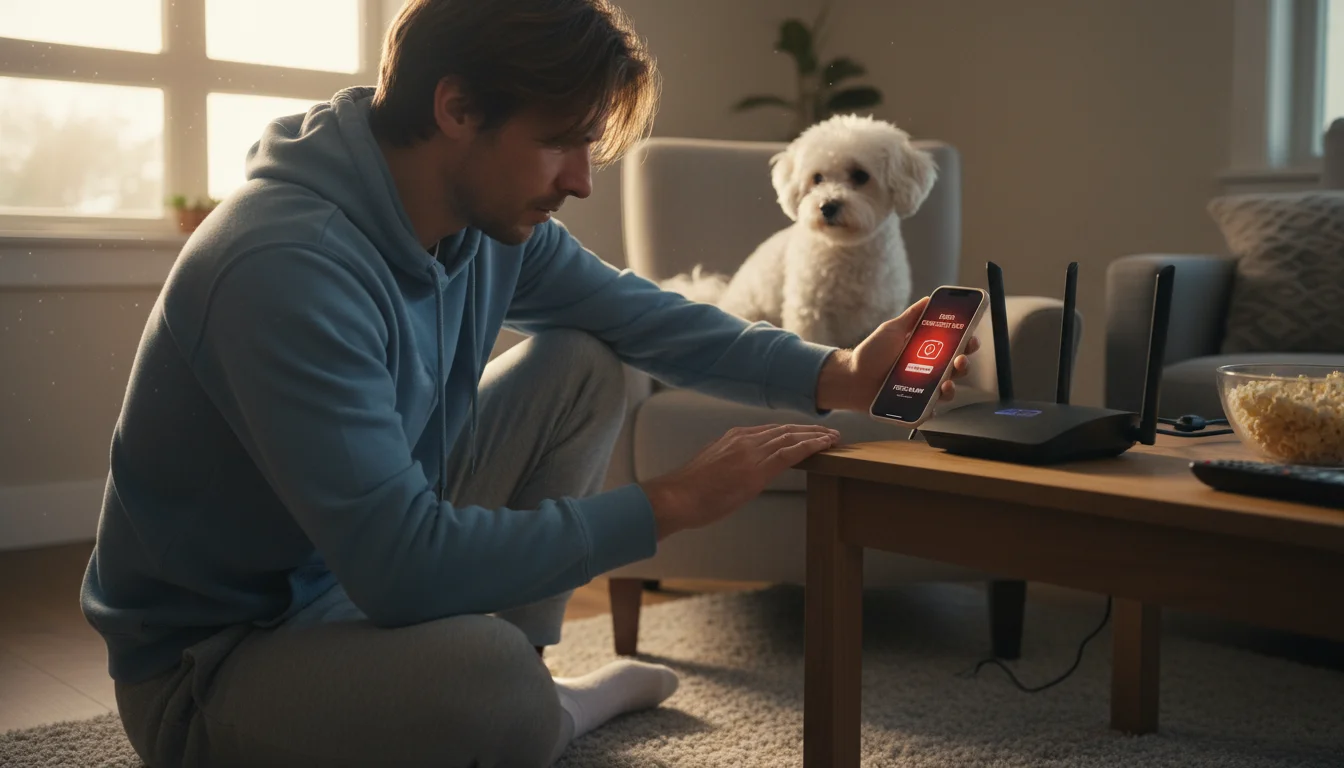
Even the best pet products can encounter hiccups. Knowing how to troubleshoot common pet camera issues helps you maintain seamless monitoring and consistent pet care.
- Camera Offline/Connection Issues:
- Check Wi-Fi: Ensure your home Wi-Fi is active and strong. Try restarting your router.
- Camera Power: Verify the camera is plugged in and powered on.
- Reset Camera: Most cameras have a reset button. Consult your manual for specific instructions. This often resolves minor software glitches.
- App Update: Make sure your camera’s app is updated to the latest version on your phone.
- Poor Video Quality or Lag:
- Internet Speed: Test your internet upload speed. Live streaming requires adequate bandwidth.
- Wi-Fi Interference: Other devices or physical obstructions can interfere with your Wi-Fi signal. Try repositioning the camera or router.
- Camera Placement: Ensure the lens is clean and free from obstructions.
- Treat Dispenser Malfunctions:
- Check Treat Size: Ensure you are using treats of the recommended size and consistency. Treats that are too large, sticky, or crumbly can cause jams.
- Refill Level: Verify the dispenser is not empty.
- Clean Dispenser: Residue from treats can build up. Refer to your camera’s manual for cleaning instructions.
- False Motion/Sound Alerts:
- Adjust Sensitivity: Most apps allow you to adjust motion and sound detection sensitivity. Reduce it if you are getting alerts for minor movements or ambient noise.
- Detection Zones: If available, set specific detection zones to exclude areas like windows with swaying curtains.
If problems persist after basic troubleshooting, consult the manufacturer’s support documentation or contact their customer service. You invest in these pet products for reliability, so do not hesitate to seek help when needed.
Making the Right Investment: Value and Longevity
Choosing a pet camera is an investment in your pet’s well-being and your peace of mind. To ensure you get the best value, consider both the upfront cost and the long-term benefits and potential expenses. Your goal is to find a device that delivers consistently reliable pet care support for years to come.
- Budget Options: Entry-level cameras offer essential monitoring features at an affordable price. These are excellent for those primarily needing to check in visually and aurally. While they might lack advanced AI or treat dispensing, their core functionality can be remarkably reliable, representing solid value if your needs are basic.
- Premium Justifications: Higher-priced cameras often justify their cost with superior video resolution, wider fields of view, advanced AI motion detection, robust cloud storage plans, and specialized features like treat dispensing or laser play. If you have specific needs, like needing to monitor a large area, require extensive recording, or want direct interaction capabilities, a premium model can be a worthwhile investment.
- Subscription Costs: Be aware that some cameras require a monthly or annual subscription for features like cloud storage, advanced motion detection, or extended video history. Factor these ongoing costs into your overall value assessment. Sometimes a slightly more expensive camera with free basic cloud storage offers better long-term value than a cheaper camera with mandatory subscription fees.
- Durability and Build Quality: Consider the materials and construction. A camera that feels sturdy and is made from pet-safe materials will likely last longer. Look for cameras with good reviews regarding their longevity and resistance to typical household wear and tear.
- Brand Reputation and Support: Companies known for reliable smart home devices or pet products often offer better customer support, more frequent software updates, and a stronger community for troubleshooting. This can significantly impact your ownership experience.
Ultimately, the “best” pet camera aligns with your specific pet care needs, fits your budget, and offers dependable performance. By carefully evaluating features, potential ongoing costs, and brand support, you make an informed decision that truly benefits you and your beloved companion.
Frequently Asked Questions
Can a pet camera help with separation anxiety?
A pet camera can be a valuable tool for monitoring and managing separation anxiety, but it is not a cure. You can use it to observe your pet’s behavior while alone, identifying triggers and stress signals. This data helps you and a certified professional dog trainer or veterinary behaviorist develop an effective positive reinforcement training plan. Use the two-way audio feature for calm reassurance, but avoid overusing it, as hearing your voice without your physical presence can sometimes increase a pet’s distress.
Are pet cameras safe for all types of pets?
Most pet cameras are generally safe for a wide range of pets. However, always secure cables to prevent chewing, which is a safety hazard, particularly for puppies and curious cats. Ensure the camera is placed where it cannot be easily knocked over or ingested. If using a treat-dispensing camera, ensure the treats are appropriate for your pet’s diet and size. For exotic pets, place cameras at a safe distance from enclosures to avoid stress from sudden lights or sounds.
Do pet cameras require a monthly subscription?
Some pet cameras offer basic features, such as live streaming and motion alerts, without a subscription. However, many brands offer optional monthly or annual subscriptions that unlock advanced features like extended cloud video storage, AI-powered pet detection, longer video history, and professional monitoring. Always check the product specifications to understand which features are free and which require a paid plan to best manage your pet care budget.
What is the ideal placement for a pet camera?
The ideal placement depends on your goal. For overall monitoring, position the camera in your pet’s primary living area, ensuring a wide view of their common spots, like beds, feeding stations, and play zones. Place it at a height where it captures a good perspective of your pet without being easily accessible for playful batting. If monitoring a specific area, like a crate, position the camera to have a clear, unobstructed view of that space. Ensure it is near a power source and within strong Wi-Fi range.
For expert pet care guidance, visit
The Humane Society of the United States,
Cornell University College of Veterinary Medicine and
UC Davis School of Veterinary Medicine.
Disclaimer: This article is for informational purposes only and is not a substitute for professional veterinary advice, diagnosis, or treatment. Always consult with a licensed veterinarian for medical concerns about your pet.






Leave a Reply